Shopping lists
Sharing a list as text
Send your list as a checklist to anyone — no Mealuna needed.
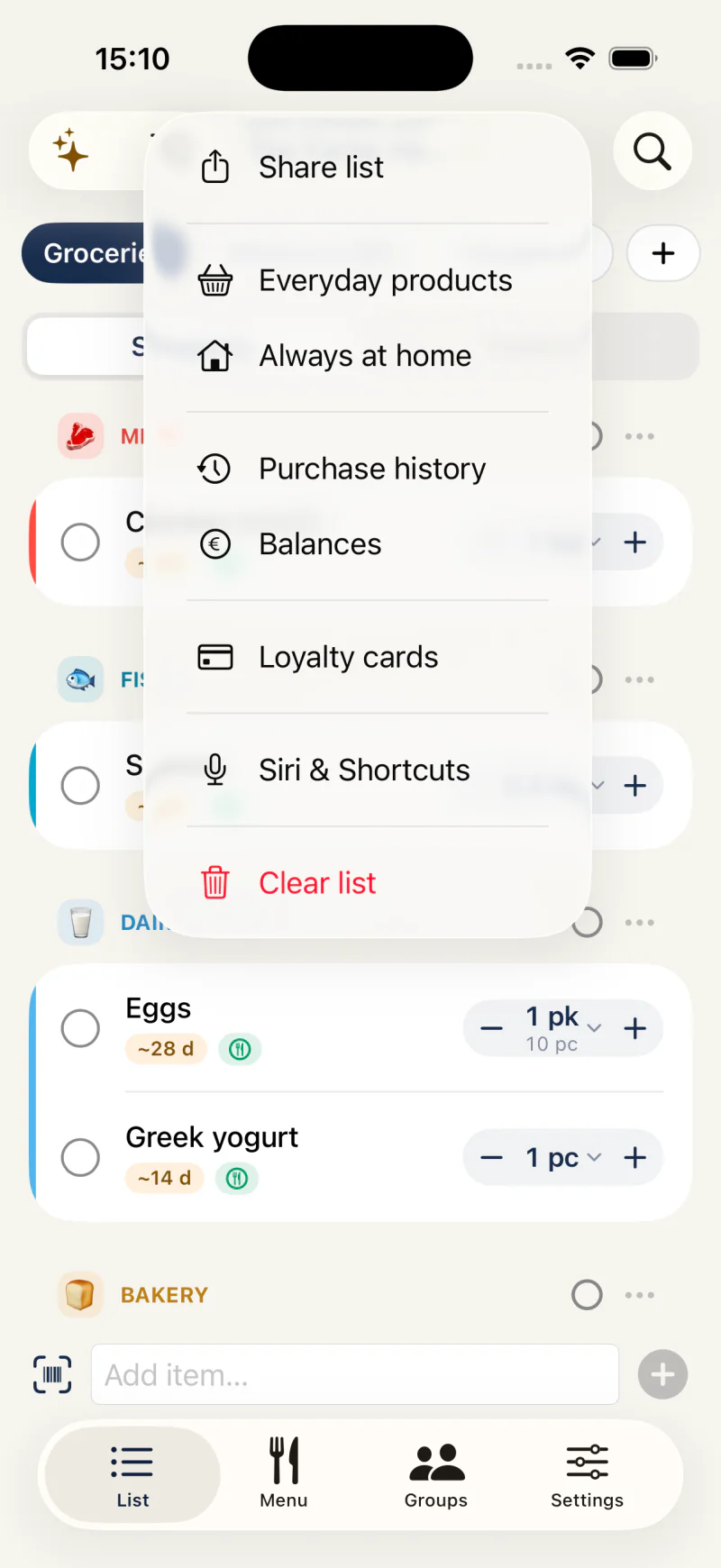
Share as a checklist
Open your shopping list, tap the ⋯ menu, and choose Share list. Mealuna builds a tidy checklist — grouped by category, with quantities and checked-off items marked — and opens your phone's share sheet.
Send it through WhatsApp, Messages, email, or anything else in the share sheet. The text uses your display language.
- Open the list and tap the ⋯ menu
- Choose Share list
- Pick an app in the share sheet and send
Good to know
The share is a snapshot as text. The recipient does not need Mealuna, and the list does not update after sending.
For live collaboration, invite the person to your group instead — see Inviting your group.