Getting started
Create your account and first list
Sign in, set your language, and start your first shopping list.
Sign in
You sign in with Apple or Google. An account lets your list and pantry sync across your devices and to the people you invite.
- Open Mealuna and choose Sign in with Apple or Google
- Your Free group and first list are ready right away
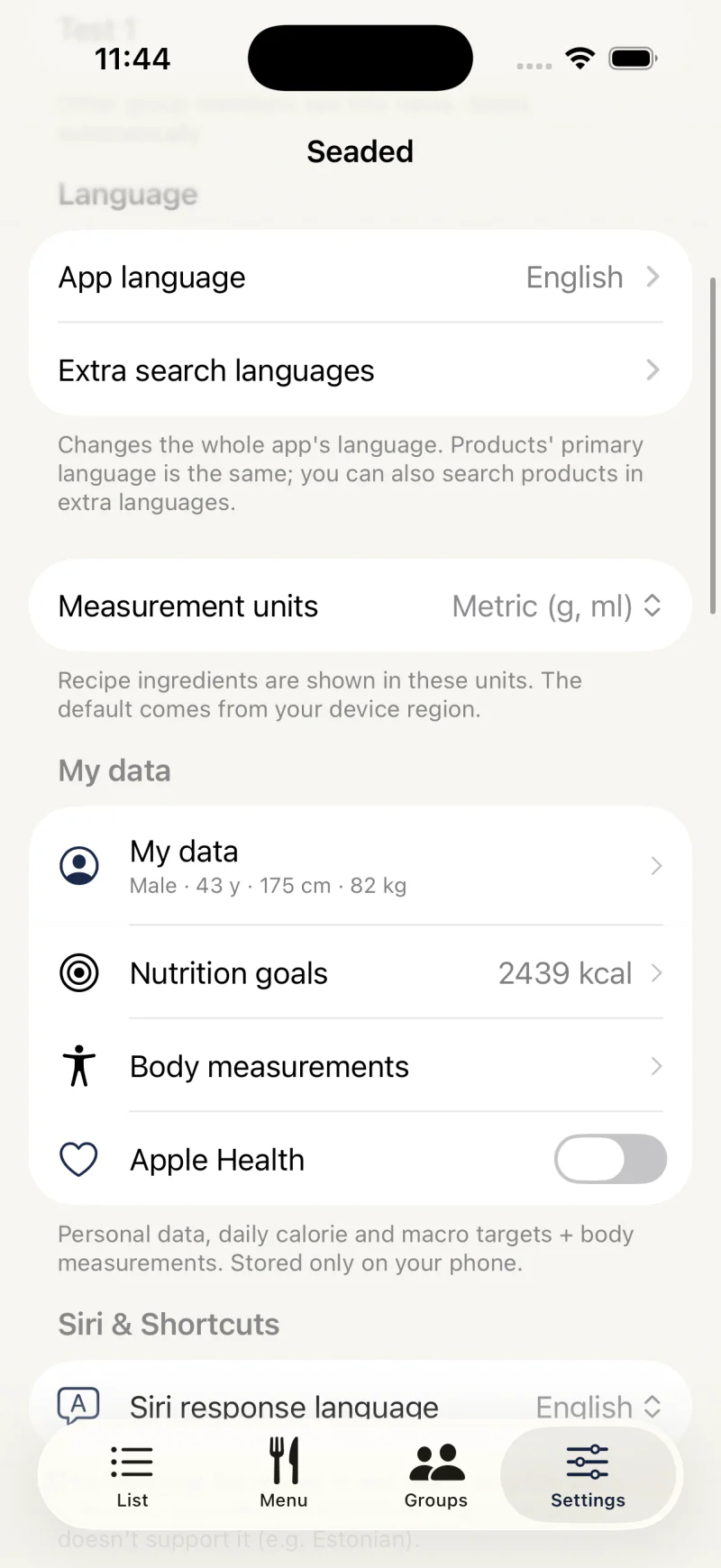
Choose your language
Mealuna is available in 13 languages, including Estonian, English, Russian, Finnish, German, Spanish and French. Switching the language changes the whole interface, including product names, in one tap.
You can change it any time from Settings. The change applies at once on every screen, titles included — no restart needed.
Whatever the language, a number field takes both a comma and a dot as the decimal mark.
Add your first item
Open your list and start typing. The catalog suggests matching products and fills in the unit, category, and spelling for you. Tap a suggestion to add it.
An empty food list also offers Everyday products: tap Buy on a common product to put it on the list, or At home if you already have it. See Start with everyday products.
- Tap the plus button on your list
- Type a product name and pick a suggestion
- Or scan a barcode to add an exact product