Groups & family
Inviting your group
Share a short join code so everyone sees the same list.
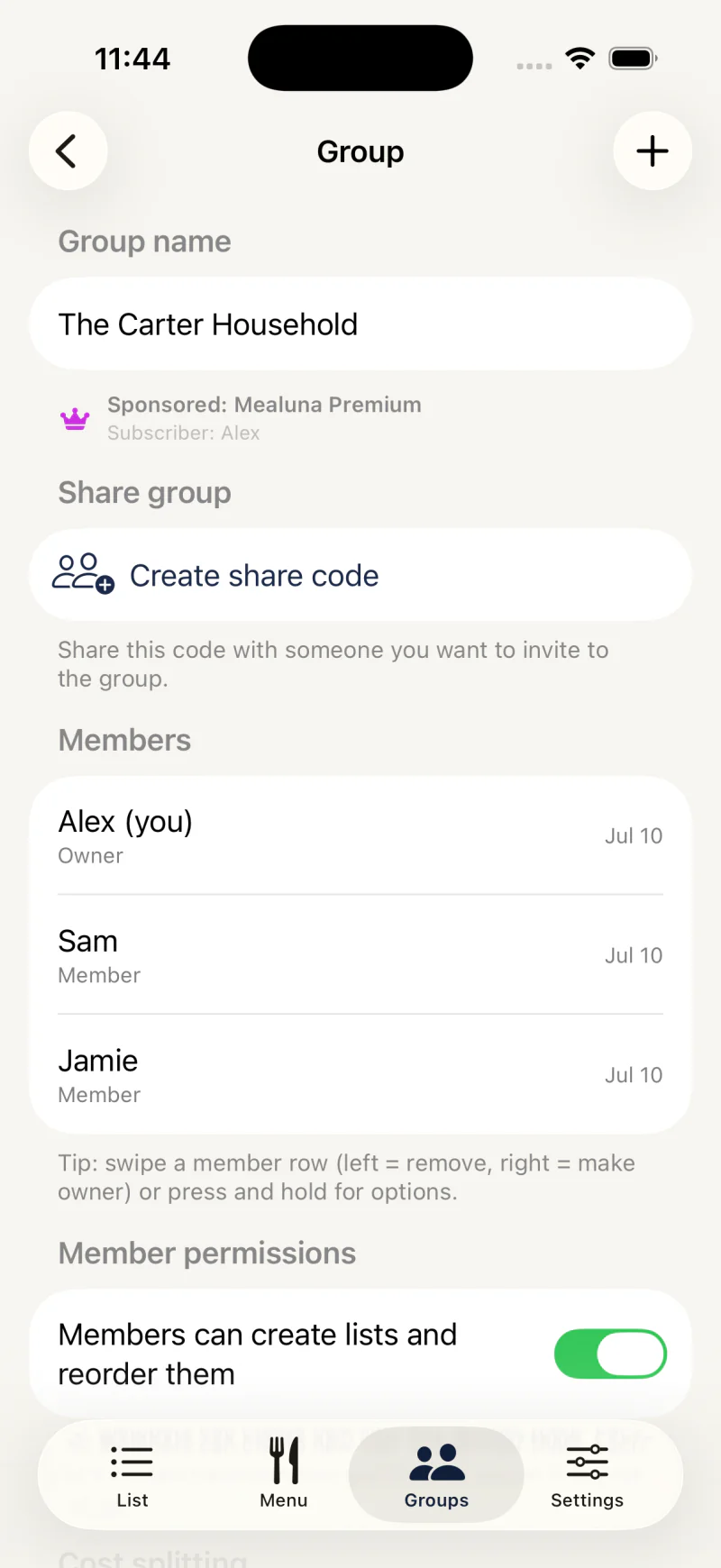
Send a join code
Invite family members with a short join code. Once they join, your list, pantry, and balances are shared, and edits appear on everyone's device within seconds.
Requests that get no answer expire after 30 days.
- Open your group and choose to invite a member
- Share the join code with the person
- They enter the code to ask to join — anyone can, even on the Free plan
- Approve the request from your group screen — then everything is shared
Active members only
Only active members appear in places like cost-split participants and who-paid choices. People who have left or have a pending invitation are not included until they are active.
This keeps balances and history accurate.