Shopping in the store
Products that suit you
Approve the ones you like, and let Mealuna pick the cheapest of them.
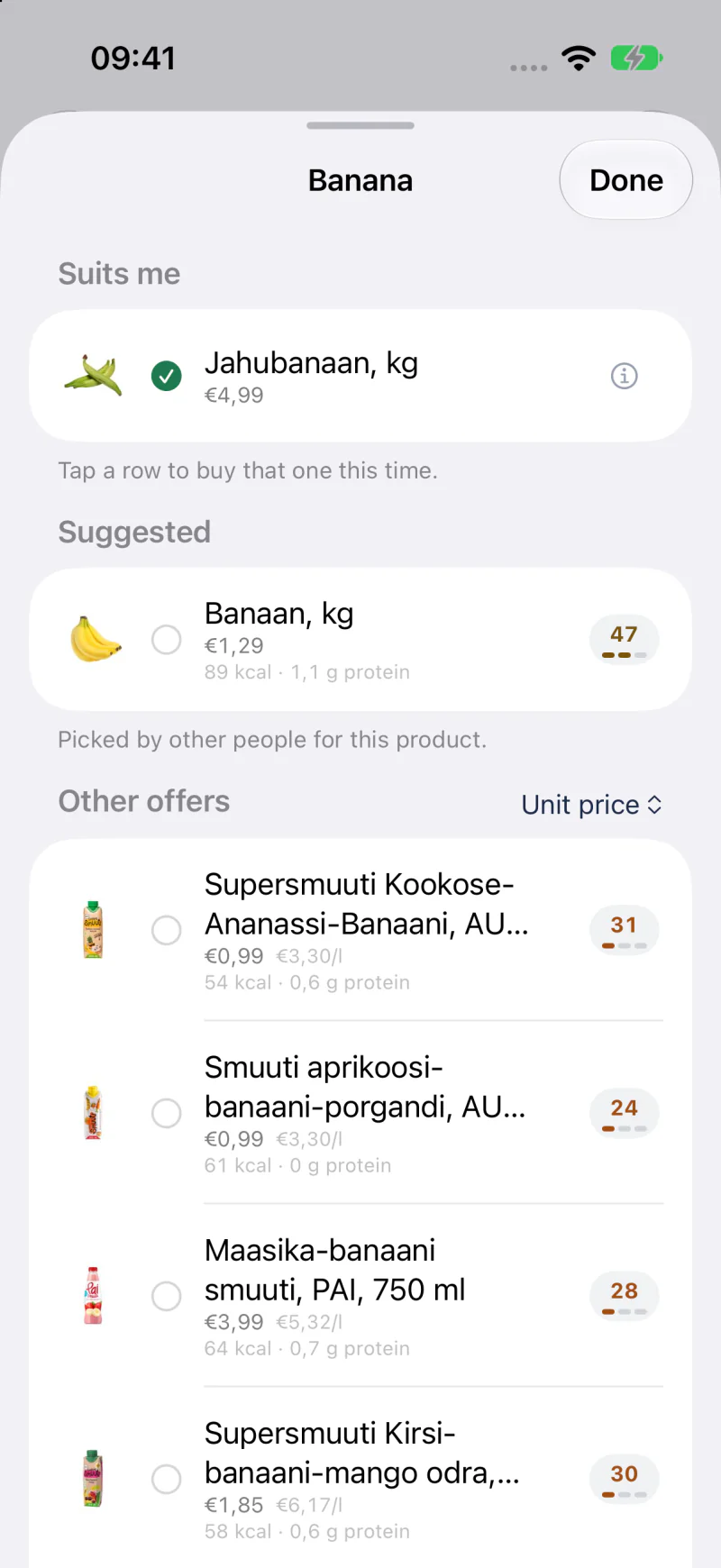
Suits me
Every list row opens a picker. The upper part is your set - the products you have approved for this item. From then on Mealuna buys the cheapest of those, so you get a low price without ending up with something you would not eat.
Drag to reorder the set when you have a genuine favourite. The order is yours and it sticks.
- Tap a row to buy that one this time only, without changing your set.
Suggested
Between your set and the other offers, a Suggested section can appear: products other people picked for the same item. It never shows who picked them.
When you have not approved any product for an item yet, Mealuna takes one of these first, before its own match, and the row says Picked by others so you can check it. Once you approve products of your own, your set comes first.
Other offers
Further down sit the store's remaining matches. Move one up when you want it in rotation, or leave it alone. If every product in your set is out of stock, the row says so instead of quietly buying something you have not approved.
How fresh are the prices
Mealuna shows when it last mirrored the store's prices. If that reading is old, the store view says so rather than pretending the number is current.